
Speak Friend and Enter
Dec 14, 2025 | Seattle 🌧️
Every website has a door and every door needs a lock. This site is full of my silly writing and coding side projects, but at the end of the day every designer, developer, or builder (or whatever I choose to call myself on a given day) needs a way to show work to people in a safe and secure manner.
So let’s talk about how I password protected this site and the multiple versions that happened along the way.
Version One
Security through obscurity
This started very basic. A few months back, my solution leaned heavily on security through obscurity. Even a light stress test with a buddy (someone perfectly capable with modern AI tools) he was able to crack it almost instantly with a single prompt.
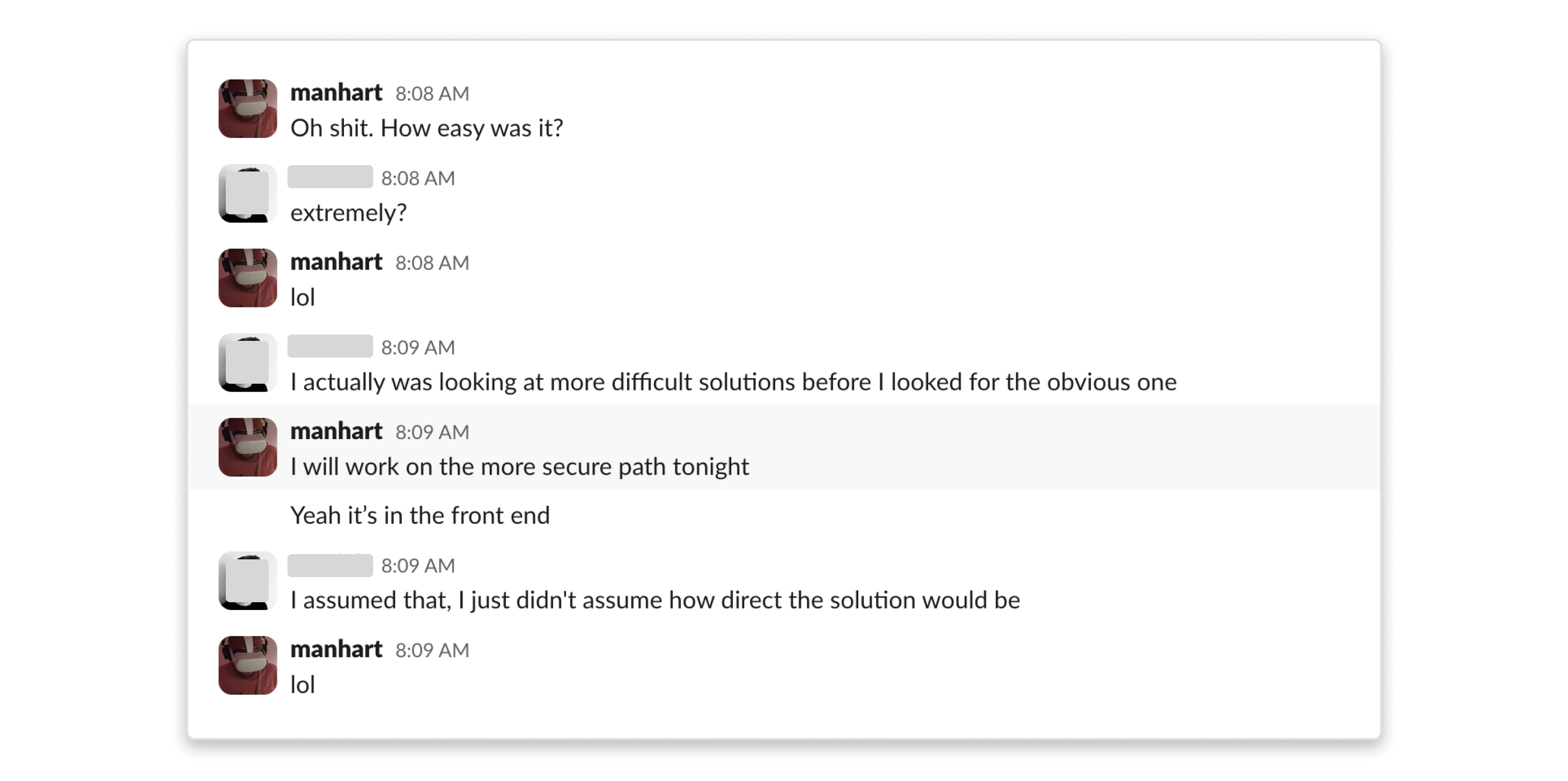
While that solution technically worked and honestly for the type of work I was showing, it was fine. I mean I am not showing national security level of secrets. But ever since that approach (which I rolled back), I wanted something more solid and way more intentional.
Version Two
A single secure password
The next iteration started simple, one password to rule them all and a vastly more secure approach that hopefully doesn’t take a buddy 3 mins to crack.
With a bit of research and chatting with my buddy chatGPT. I had a solid V1 up in a single night (with some back and forth with ChatGPT). A bare bones single password version was up and going and it was already a massive improvement over the original security thru obscurity approach.
But lets keep cooking shall we?
Version Three (current)
Multiple secure passwords
This site runs on Astro and is deployed on Vercel, so the whole system is built around Astro’s middleware and API routes. No external auth libraries, just the platform primitives.
At this point I started asking better questions about how the whole site experience could change with secure password protection and about how I could scale this?
- What if different people needed access to different parts?
- What if passwords could map to routes instead of just unlocking the whole site?
- What if I could make custom UI based on each password?
This required a full refactor of the middleware.astro from version two. I extended the functionality to support more complex routing and enhanced password logic, and I built out new UI messaging for what happens after a successful unlock (custom UI).
Here’s the whole flow at a glance — every request runs through this:
  Request comes in
       │
       ▼
  ┌─────────────┐     ┌────────────┐
  │  Middleware  │────▶│ Protected? │──── No ──▶ Serve page
  └─────────────┘     └────────────┘
                            │
                           Yes
                            │
                            ▼
                    ┌───────────────┐
                    │ Check session │──── Valid ──▶ Serve page
                    │    cookie     │
                    └───────────────┘
                            │
                         No access
                            │
                            ▼
                   ┌────────────────┐
                   │ Password modal │
                   │  "speak friend │
                   │   and enter"   │
                   └────────────────┘
                            │
                        User submits
                            │
                            ▼
                    ┌───────────────┐
                    │  API verifies │──── Nope ──▶ Try again
                    │   password    │
                    └───────────────┘
                            │
                          Match
                            │
                            ▼
                   Set session cookie
                     + redirect ──▶ Serve page
Now let’s break that down. Here’s the simplified middleware flow:
// Simplified middleware flow
export const onRequest: MiddlewareHandler = async (context, next) => {
  const { url, cookies } = context;

  // Check if route is protected
  if (isProtectedRoute(url.pathname)) {
    const hasAccess = await checkAccess(cookies, url.pathname);

    if (!hasAccess) {
      context.locals.requiresAuth = true; // Show password modal
    }
  }

  return next(); // Continue to page
};
Everything hangs off a small and explicit session shape that’s easy to reason with:
interface SessionData {
  authenticated: boolean; // Master password unlocked?
  timestamp: number; // When was session created?
  companies?: string[]; // Which companies are unlocked?
  lastCompanyRoute?: string; // Last company visited
}
The API keeps things simple — verify the password, set the session, and return what the client needs to know:
const result = await verifyPassword(password, companySlug);

if (result.isValid) {
  // Set session — master unlocks everything, company unlocks just that route
  await setSession(cookies, true, result.isMaster ? undefined : result.companySlug);

  return Response.json({
    success: true,
    isMaster: result.isMaster || false,
    companySlug: result.companySlug || undefined,
  });
}

return Response.json({ success: false, message: "Incorrect password" }, { status: 401 });
The verifyPassword function handles the routing logic. If you’re on a company-specific route like /company/mordor, it scopes the check to just that company’s password. If you’re on a general route like /design, it tries the master password first, then cycles through all company passwords until one matches — so any valid password gets you in:
// On /company/mordor → one does not simply walk in, checks only mordor's password
const result = await verifyPassword(input, "mordor");

// On /design → checks master first, then tries all companies
const result = await verifyPassword(input, undefined);
Once the password succeeds, the user is dropped into a short custom flow with messaging that explains why they have access and what they’re about to see. Small detail, but it makes the whole thing feel intentional instead of just gated.
So why does all this matter?
This feature isn’t about airtight security. It’s about intent and providing an enhanced experience for my users.
It’s about treating access as a part of the experience. It’s about building something simple first, learning exactly where it breaks, and then rebuilding it properly instead of piling on hacks.
This site will keep changing. The lock will probably get replaced again.
But that’s kind of the point.